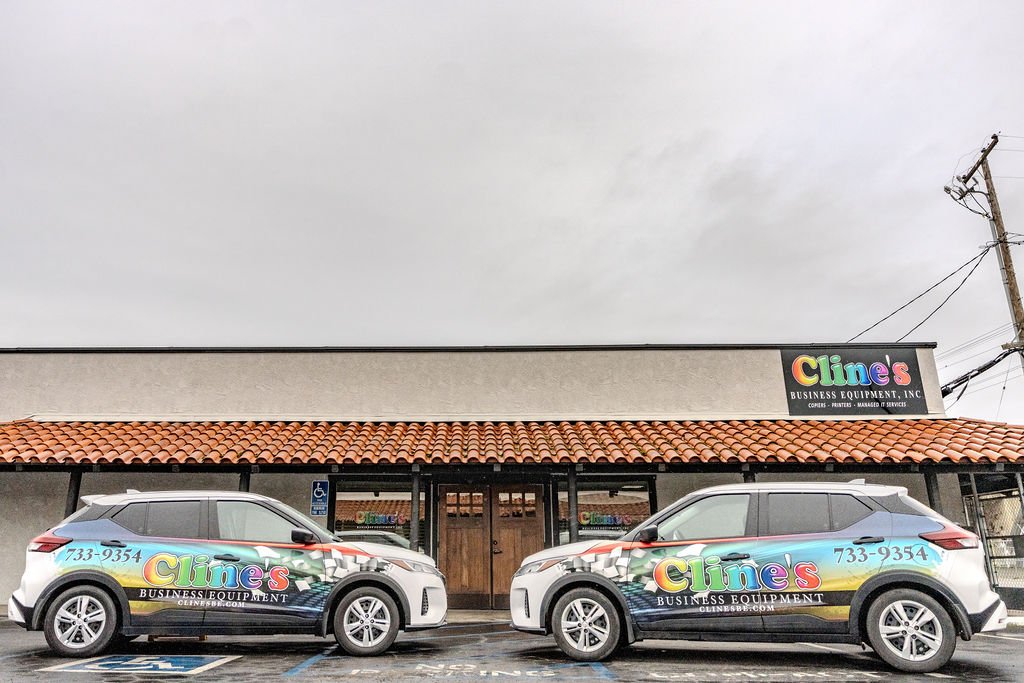
Cline's Business Equipment
Inclined towards better service!
(559) 733-9354

Please install the latest version of Adobe Flash Player.

Authorized Konica Minolta dealer

Proud Member of the Visalia City Chamber of Commerce
Proud Member

CompTIA A+ Certified
Cline's Business Equipment Products Supplies Downloads Service IT Support About Cline's Employment Ask for a Quote Contact Us Horizontal Nav
Welcome to Cline's Business Equipment where service is our #1 priority!

Here at Cline's we carry a full line of Konica-Minolta Digital office solutions. We are also an authorized Samsung dealer/Service center.

Copier, fax machine or laser printer, we can meet any need large or small. Everything from small tabletop all-in-one copier/printer/fax/scanner's to high-end production print machines. We offer new or refurbished, black and white or full color.

Now that everything has gone Digital you may also have a need to scan and then manage those scanned documents. Whatever your need may be, needing to archive, email, or OCR them and retrieve them, we have solutions for you.

We can take care of a 1-day rental or a 60-month lease all in house, just give us a call!!

J.D. Dolan, President
Johnny Fernandez, Service Manager
James Boyer, IT Director

Updates-

OCR Packages Posted by: Jamie (IT Director) on 8/16/2010 at 2:26pm

Did you know that Cline’s offers several different levels of document management solutions packages? Turn your existing copier, scanner or MFP device into a lean mean scanning machine!

At Cline’s, we not only have the equipment to get you up and running, but the software too! Choose from simple software solutions up to advanced level applications that turn paperwork into paper that works!

Convert that stack of paper in your file cabinets into searchable portable documents that you can access with ease across the entire network!

Send files directly to Microsoft Office applications, or to a file server for complete backup and disaster recovery options. You can use an existing PC or we can set you up with the perfect equipment for your unique situation.

To find out more or to get a specialized quote, contact our IT Department by e-mail, or give us a call at (559)733-9354!


Introducing the Bizhub C35! Posted by: Jamie (IT Director) on 7/7/2010 at 10:10am

Konica Minolta is pleased to announce the availability of the Bizhub C35 - Konica Minolta's first compact size MFP. Designed for small offices and workgroups, this device offers features similar to Konica Minolta's larger devices with speeds up to 31ppm.

bizhub C35Document Feeder, Fax Kit, Printing and Scanning engines, Hard Drive for large scan and print jobs, expanded memory, and duplex unit (for two sided printing and copying) are all Standard on this device - options that are normally a premium!

Learn more about the new device on our Product Information Page or get a personalized quote on this machine on our Ask for a Quote Page.


Temporary Office Closure in Memory of Jim Cline Posted by: Jamie (IT Director) on 6/28/2010 at 8:50am

The offices at Cline's will be closing early on Thursday July 1st at 12:00pm to attend the funeral services and to remember and honor the life of Jim Cline.

If you need IMMEDIATE ASSISTANCE, please use the form located on our service page. Otherwise, we will be glad to assist you during our normal hours of operation starting back again at 8:00am Friday July 2nd. Thank you for your understanding.

Jim Clinequotation30 year Visalia resident and business owner James Marshall Cline died June 24, 2010. He was 73. Known to all simply as Jim, Cline is survived by Sharon, his loving wife of 52 years; daughters Sharyl Holm and Jamie Cappelli; sons-in-law David Holm and Paul Cappelli; grandchildren Jenifer Rold, Ryan Holm, Jacob Holm, and Steven Holm; great grandson Jack Holm; brother Rev. Dr. William Cline; and sisters Janice Bristow and Juanita Jones. A spirited and outgoing man, Cline was quick to share a laugh or a joke, yet had a heart for his sharing his faith, teaching, and leading which touched many lives through the years and served him well both personally and professionally. Generous with both his time and resources Cline, the owner of Cline's Business Equipment, actively served the community through both civic and charitable organizations which included more than 20 years as a board member of the Kaweah Delta Hospital Foundation, leadership roles in Rotary International, and most recently, as Administrator and board member for the Samaritan Center, the local free medical clinic for which Cline had a special affinity. Those who know Cline know unequivocally that the greatest joys in his life were his wife Sharon and their family with whom he enjoyed an exceptionally loving relationship.

A celebration of Cline's life will be held at Miller Memorial Chapel, 1120 W. Goshen Ave. in Visalia on Thursday, July 1, 2010 at 1:00. A viewing will be held at the same location Wednesday, June 30, 2010 from 5:00-8:00 p.m. In lieu of flowers, the family requests donations be made in Cline's memory to the Samaritan Center, 200 NW 3rd Ave., Visalia, CA 93291.quotation

Read Entire Article...


Referrals Galore!... Posted by: Jamie (IT Director) on 6/24/2010 at 8:19am

It's no secret that in the service industry, the biggest draw for new business is referrals. That's why at Cline's, if you refer a customer to us who buys a (non-tabletop) machine, we'll give you $100! It's a simple way for us to say we appreciate you.


Helpful Copier Tips Posted by: Jamie (IT Director) on 6/15/2010 at 11:46am

Sometimes, trying a few simple things can prevent a service call and save you and your business precious time! Try these helpful tips when your machine ia having a problem.

Machine has a Service Code

  • Turn the machine's main power switch (Usually located on the back of the machine, or inside of the front door) OFF and then ON again after waiting 10 seconds.
  • Open and close your machine's front doors.
  • Check for any paper jammed inside the machine.

No Power to the Machine

  • Double check to make sure your machine is plugged into a working wall outlet.
  • Make sure both the MAIN and the SUB POWER switches are turned on.

Cannot Print or Scan

  • Verify that you still are connected to the internet.
  • Make sure the Ethernet cable (Internet or 'Cat5' cable) is plugged into the side or the back of your machine.

View Archived Posts